
Windows Startup Intelligence
A fast startup begins with knowing what launches, why it launches and whether disabling it is appropriate.
What Helix One PC reviews
Startup inventory
Read common Windows startup locations and show the entries found.
Impact review
Connect startup growth with slower sign-in and heavier background load.
Limited safe control
Only supported current-user startup entries are changed inside the app.
Reversible workflow
Disabled supported entries can be enabled again.
Protected items remain review-only
System and protected entries are not silently altered.
Broader diagnosis
Startup is considered alongside storage, memory and Windows health.
Understand the problem before fixing it
The goal is not to run every possible tweak. The goal is to identify relevant Windows signals, explain them clearly and offer only supported actions.
- No fake “critical error” totals
- No silent dangerous registry cleaning
- No forced memory-clearing claims
- No bundled software or advertising
- User confirmation before supported repairs
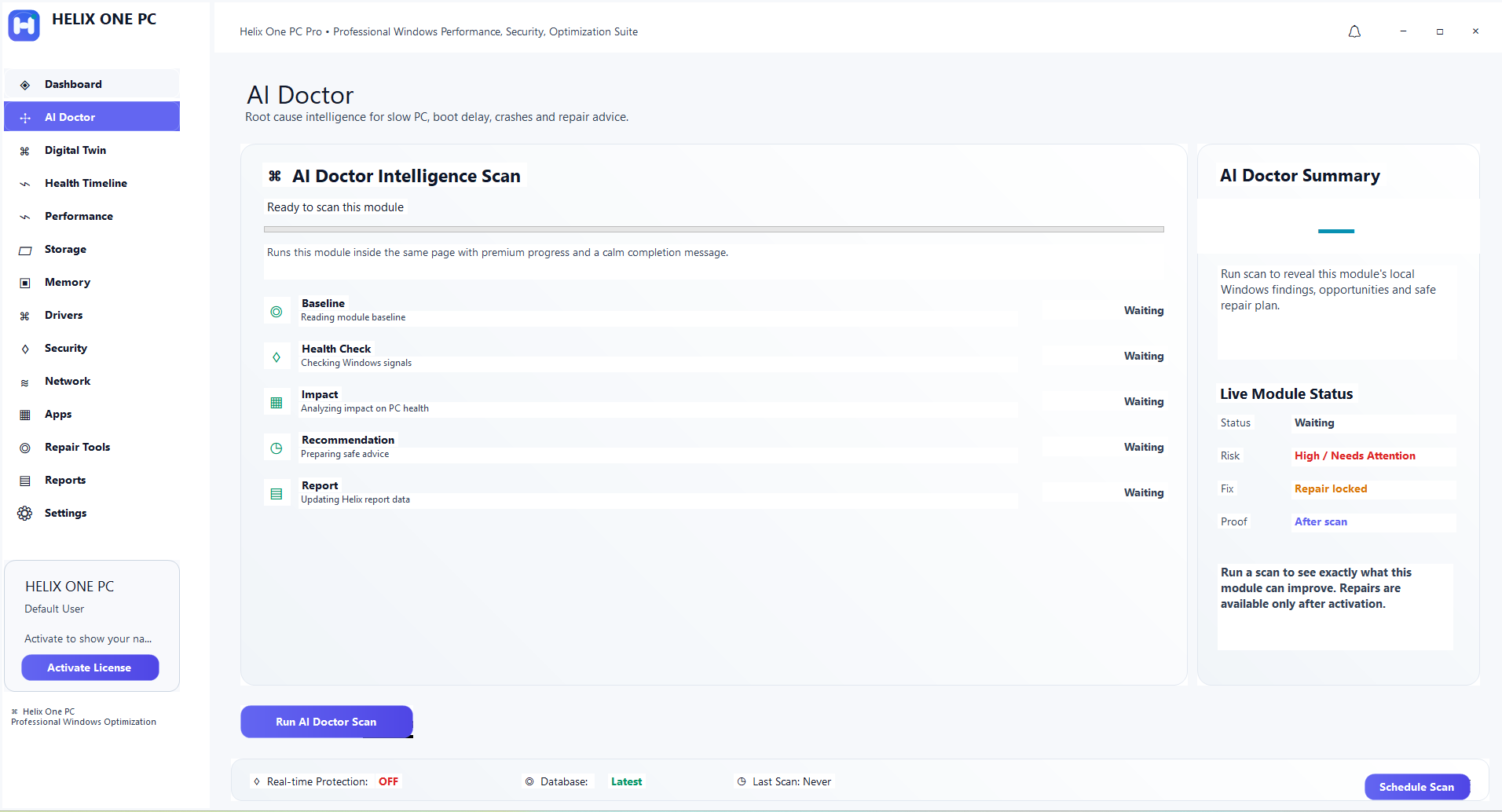
One connected Windows health view
Performance, storage, memory, drivers, security, network and apps are reviewed together rather than as isolated cleanup buttons.
Frequently asked questions
Is the scan free?
The website offers a trial workflow that can scan and show supported findings before Pro repair actions are unlocked.
Does Helix One PC delete personal files automatically?
No. Maintenance actions are review-first and do not intentionally delete personal documents, photos or videos.
See what is affecting your PC
Run a free scan, review the findings, and decide whether Helix One PC is right for your computer.
Start Free ScanA practical startup troubleshooting workflow.
A long sign-in time does not always mean that too many startup apps are enabled. Windows can also be busy with updates, cloud synchronization, security scans, storage problems or a user profile issue. Use the sequence below to separate startup load from other causes.
1. Establish a baseline
Restart the PC rather than using sleep or hibernate, then note how long it takes to reach a usable desktop. Open Task Manager and check the Startup apps section. Focus on entries with a clear publisher and a meaningful startup impact rather than disabling everything.
2. Keep essential items
Do not disable security software, accessibility tools, required VPN software, hardware control utilities or synchronization tools you actively depend on simply to reduce the startup list. An entry should be disabled because you understand it and do not need it at sign-in.
3. Change a few items
Disable only a small set of nonessential apps, restart, and compare the result. This preserves a clear cause-and-effect trail. If startup is still slow, check CPU, memory and disk activity immediately after sign-in instead of continuing to disable unrelated software.
Common startup items that deserve review
- Game launchers and update agents that do not need to run at every sign-in.
- Communication apps that you prefer to open manually.
- Vendor tray utilities whose background features you do not use.
- Cloud or backup software only when you understand the effect of delaying synchronization.
Warning signs that point elsewhere
- Disk usage remains near 100% for a long time after sign-in.
- CPU usage is dominated by one process or Windows servicing.
- The PC freezes before the desktop appears.
- Windows reports disk, update or profile errors.
- The system is fast after a clean boot but slow only with a specific service or driver.
Related diagnostics
Continue with high CPU troubleshooting, memory pressure checks, or the broader slow computer diagnostic guide if startup optimization alone does not explain the problem.