
Risk-Aware Driver Health
Drivers can affect stability and performance, but replacing the wrong driver can create new problems. Helix One PC favors review and official sources.
What Helix One PC reviews
Driver inventory
Read installed driver information and device-health signals.
Age hints
Flag metadata that may deserve review without assuming every older driver is bad.
Risk categories
Treat display, storage, network and chipset drivers carefully.
Official sources first
Use Windows Update or the PC/device manufacturer for actual driver packages.
No random driver bundles
The website does not claim to host every third-party driver.
Diagnosis context
Evaluate drivers with crashes, device status and recent Windows changes.
Understand the problem before fixing it
The goal is not to run every possible tweak. The goal is to identify relevant Windows signals, explain them clearly and offer only supported actions.
- No fake “critical error” totals
- No silent dangerous registry cleaning
- No forced memory-clearing claims
- No bundled software or advertising
- User confirmation before supported repairs
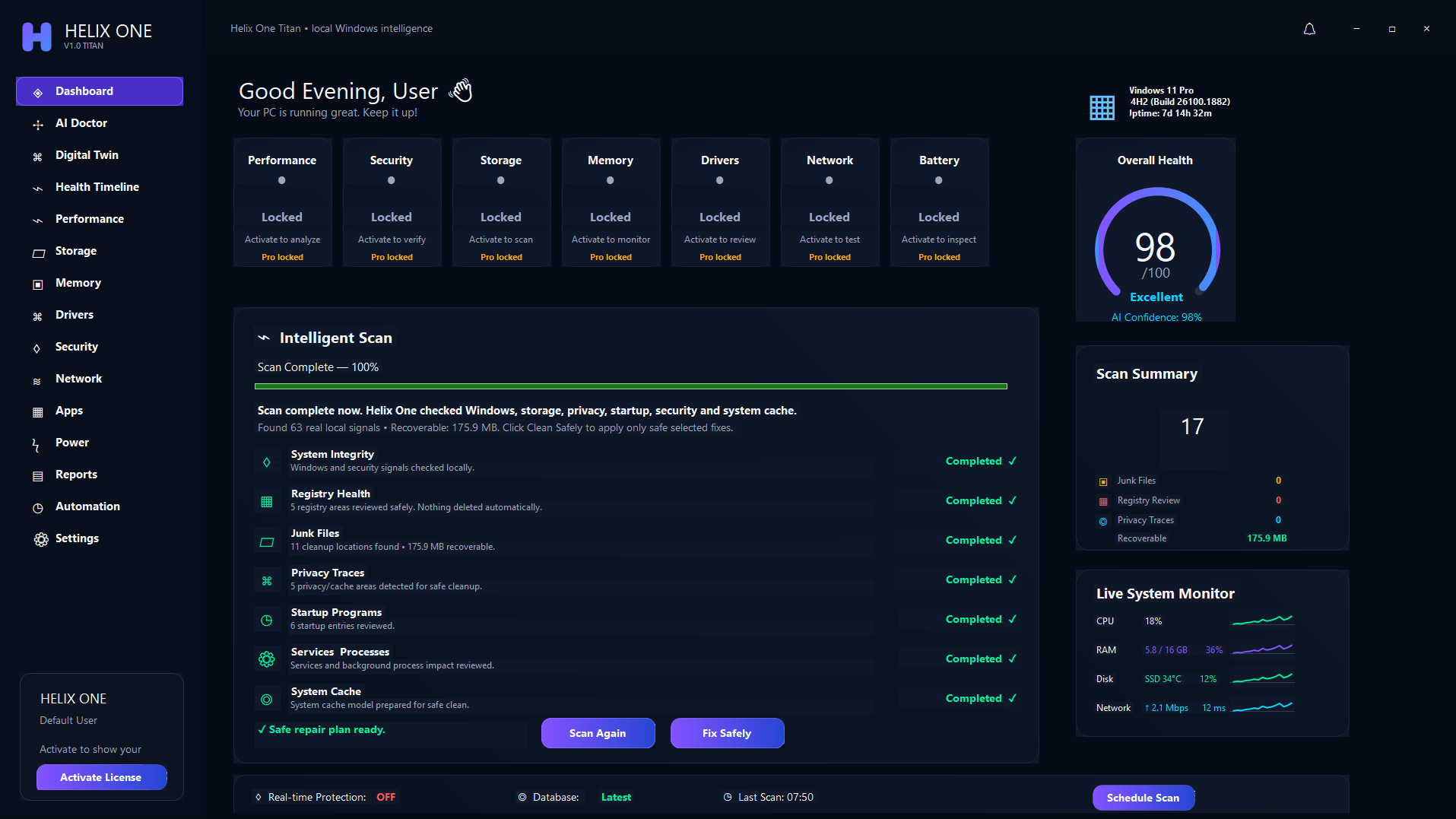
One connected Windows health view
Performance, storage, memory, drivers, security, network and apps are reviewed together rather than as isolated cleanup buttons.
Frequently asked questions
Does Helix One PC automatically install every driver?
No. It reviews driver and device signals and encourages official Windows Update or manufacturer sources for actual packages.
Is an old driver always a problem?
No. A stable manufacturer driver may be older and still correct for the device.
See what is affecting your PC
Run a free scan, review the findings, and decide whether Helix One PC is right for your computer.
Start Free Scan