
Safe PC Cleanup With Context
Cleaning is useful when it targets real recoverable data. It should not be used to invent thousands of “critical errors.”
What Helix One PC reviews
Temporary files
Measure user and Windows temporary folders; locked files are skipped.
Browser cache review
Check supported browser cache and history locations with close-browser guidance.
Windows error reports
Review old reporting caches and crash-report storage.
Recycle Bin
Measure recoverable space before removal.
DNS cache
Offer a selectable Windows DNS cache flush.
No dangerous registry purge
Registry areas are reviewed; Helix One PC does not silently mass-delete registry keys.
Understand the problem before fixing it
The goal is not to run every possible tweak. The goal is to identify relevant Windows signals, explain them clearly and offer only supported actions.
- No fake “critical error” totals
- No silent dangerous registry cleaning
- No forced memory-clearing claims
- No bundled software or advertising
- User confirmation before supported repairs
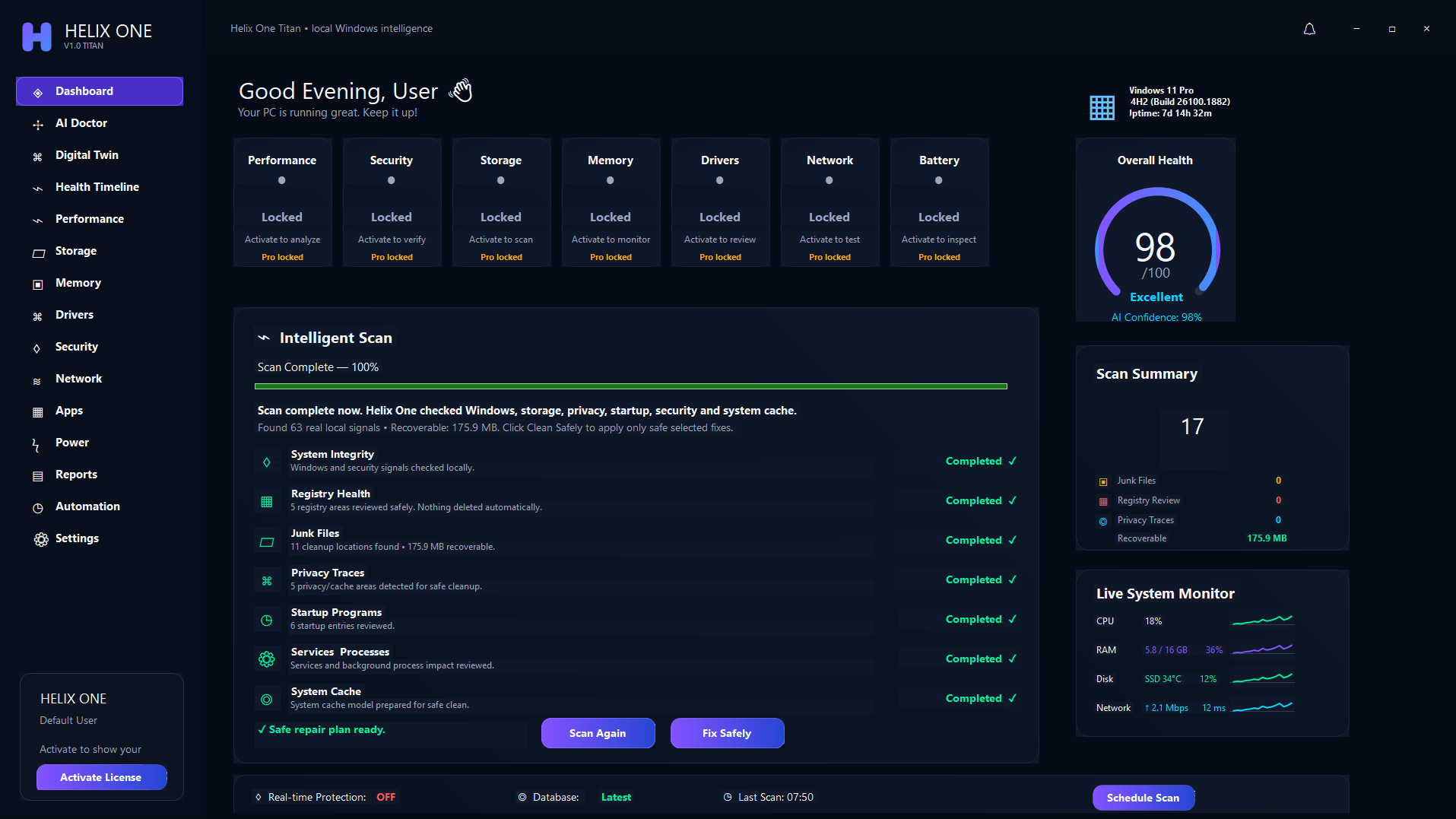
One connected Windows health view
Performance, storage, memory, drivers, security, network and apps are reviewed together rather than as isolated cleanup buttons.
Frequently asked questions
Is the scan free?
The website offers a trial workflow that can scan and show supported findings before Pro repair actions are unlocked.
Does Helix One PC delete personal files automatically?
No. Maintenance actions are review-first and do not intentionally delete personal documents, photos or videos.
See what is affecting your PC
Run a free scan, review the findings, and decide whether Helix One PC is right for your computer.
Start Free Scan