
Slow PC Root-Cause Diagnosis
A slow computer is a symptom. Helix One PC helps separate software maintenance opportunities from hardware limits and issues that need Windows repair.
What Helix One PC reviews
Slow boot
Startup programs, services and post-update activity can extend boot time.
Slow after login
Background apps, sync tools and security scans can compete for CPU, disk and memory.
Low free storage
Windows needs working space for updates, caches and virtual memory.
High memory pressure
Heavy applications and many browser tabs may cause paging and lag.
Driver or device issues
Device state and driver metadata can reveal areas needing careful review.
Aging hardware
Software cannot repair a failing drive or turn low-end hardware into a modern PC.
Understand the problem before fixing it
The goal is not to run every possible tweak. The goal is to identify relevant Windows signals, explain them clearly and offer only supported actions.
- No fake “critical error” totals
- No silent dangerous registry cleaning
- No forced memory-clearing claims
- No bundled software or advertising
- User confirmation before supported repairs
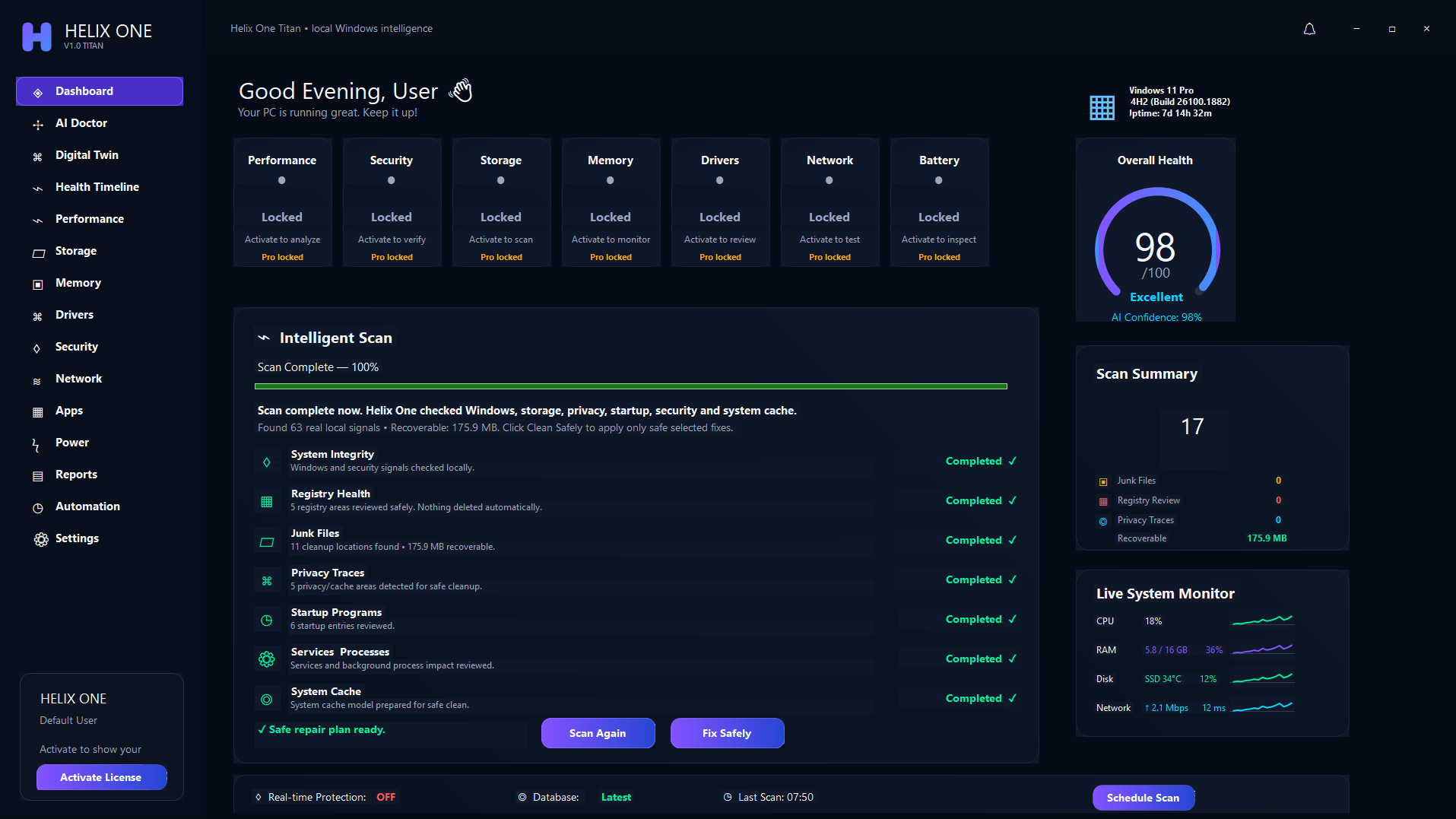
One connected Windows health view
Performance, storage, memory, drivers, security, network and apps are reviewed together rather than as isolated cleanup buttons.
Frequently asked questions
Can software always fix a slow PC?
No. Software can address supported configuration and maintenance issues, but failing hardware, insufficient RAM or an old processor may require an upgrade or repair.
Will cleaning files make every computer faster?
Not necessarily. Cleanup mainly restores space. Startup load, RAM pressure, updates, thermal throttling and drive health may matter more.
See what is affecting your PC
Run a free scan, review the findings, and decide whether Helix One PC is right for your computer.
Start Free Scan